 PowAnime
Guide
PowAnime Profile Setup: Make the App Yours
Set up your PowAnime profile once, keep it tidy, and let it carry your favourites, followed series, and recommendations.
By Carlos Mendoza, Anime App Reviewer and APK Tester
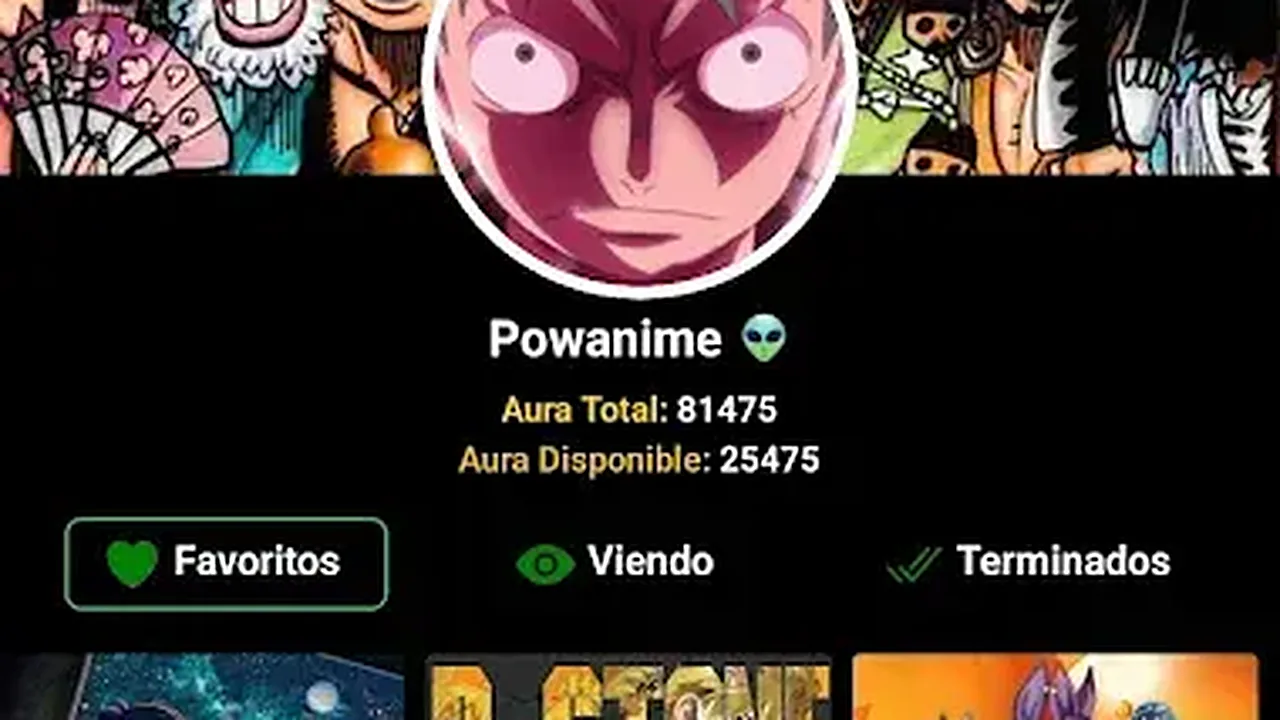
Setting Up Your Profile
Open PowAnime APK after installing and set up your profile before you start browsing in earnest. Profile customisation is a stated feature, and the setup is short: choose how your profile looks, then add your first few favourites. Those first saves matter more than the cosmetic choices, because they are the first signals your recommendations learn from.
Add five titles you already love before you explore the catalogue. Pick them across more than one genre if you can: a single-genre seed grows a single-genre recommendation row, while a mixed seed gives the app room to surprise you. Five honest saves beat fifty aspirational ones every time.
Profiles on Shared Phones and Tablets
If you share a phone or tablet, separate profiles are not optional. Mixed tastes produce mixed recommendations, and one person's horror marathon will pollute another person's romance suggestions within days. PowAnime is listed for phones and tablets, so a family tablet especially needs one profile per viewer.
Check the profile you are signed into before a long browsing session, the same way you would check whose account a streaming app is on. The favourites guide explains how each profile's saved titles stay separate, and the language settings guide covers keeping each profile in the language its owner actually reads.
Keeping the Profile Accurate Over Time
A profile goes stale the same way a list does: finished shows stay saved, dropped shows stay followed, and the recommendations slowly drift toward a version of you from months ago. The weekly tidy-up fixes it: remove finished and dropped titles, add one new favourite, and check the recommendation row after a few days.
If the app starts behaving oddly after an update, reinstall cleanly from the PowAnime download page and sign back into the same profile rather than creating a new one. A fresh install with the same profile keeps your history; a new profile throws it away and restarts the recommendation calibration from zero.
Revisit the profile after the first month and treat it as a living record rather than a one-time setup. Remove the shows you sampled and dropped, keep the ones you finished, and add the new favourite that surprised you most. A profile that reflects this month's taste keeps the recommendations current, and a profile frozen at setup slowly recommends the viewer you used to be.
Frequently Asked Questions
Answers to the questions readers send in about PowAnime.
Does PowAnime have profiles?
Yes. Profile customisation is a stated feature, and your profile carries your favourites, followed series, and recommendation history.
Should each person have their own profile?
Yes, on a shared phone or tablet. Mixed tastes produce mixed recommendations, so one profile per viewer keeps suggestions accurate.
Will reinstalling delete my profile?
Sign back into the same profile after reinstalling and your history is kept. Creating a new profile restarts recommendation calibration from zero.